Google Gemini in Chrome: The Future of AI-Powered Browsing
Introduction
Artificial Intelligence is no longer confined to research labs or standalone apps—it is now being embedded into the tools we use every day. One of the biggest steps in this direction is Google Gemini’s integration into Chrome, the world’s most popular browser. This marks a revolutionary shift in how users interact with the web, transforming Chrome from a simple browsing tool into an intelligent assistant that understands context, provides insights, and automates tasks.
In this article, we’ll explore what Google Gemini in Chrome is, how it works, its key features, benefits, challenges, and the future of AI-powered browsing.

What is Google Gemini?
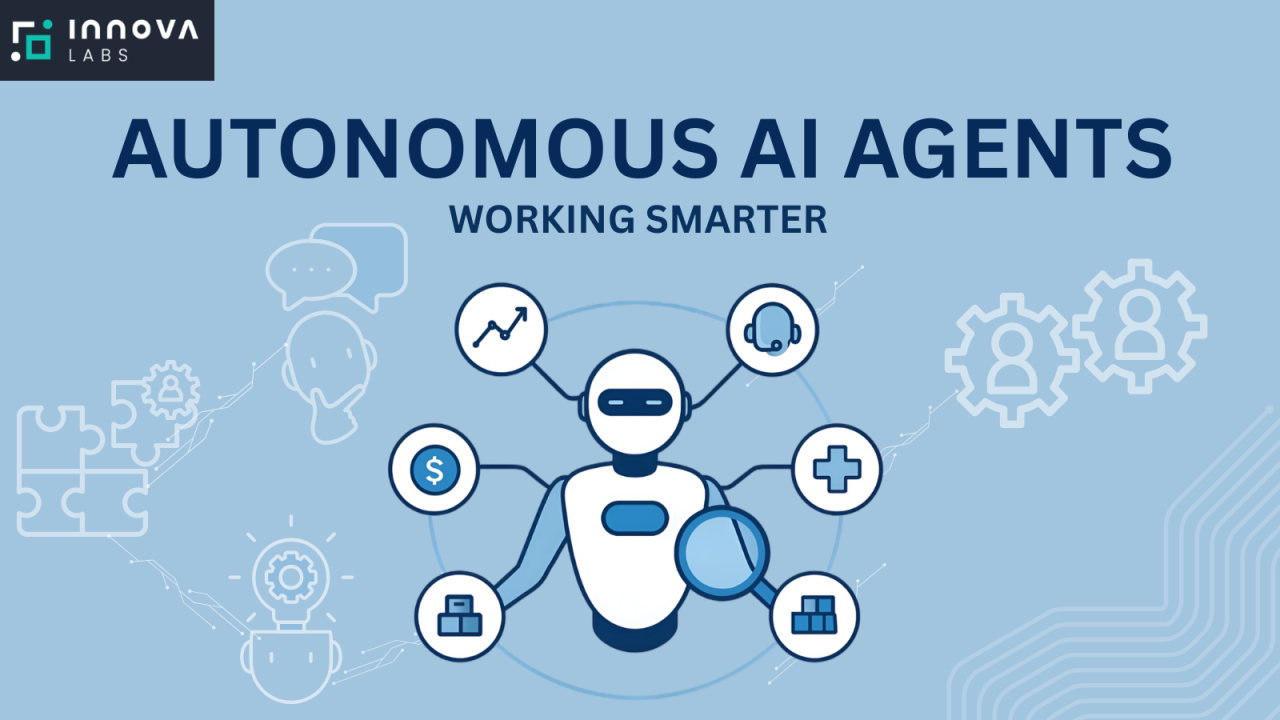
Google Gemini is Google’s family of advanced AI models designed to compete with and surpass other large language models (LLMs). It’s the successor to Bard and PaLM, combining text, images, code, and multimodal capabilities into a single unified system. Unlike traditional chatbots, Gemini is designed to operate as an AI agent—capable not just of conversation, but also reasoning, problem-solving, and executing tasks across multiple platforms.
When brought into Chrome, Gemini transforms browsing from passive information retrieval into interactive exploration and productivity enhancement.
Why Bring Gemini into Chrome?
Chrome has billions of users worldwide, making it the perfect entry point for AI adoption. By integrating Gemini, Google achieves several goals:
-
Ubiquity of AI – Instead of opening a separate chatbot, users can access Gemini directly while browsing.
-
Contextual Awareness – Gemini can understand the webpage you’re on, summarize it, and even interact with it.
-
Productivity Boost – Tasks like research, drafting emails, coding, or shopping become faster with AI embedded in the browser.
-
Competitive Advantage – Microsoft Edge already integrates with Copilot (powered by OpenAI). Gemini in Chrome ensures Google stays ahead in the browser-AI race.
Key Features of Google Gemini in Chrome
1. Smart Summarization
Gemini can read long articles, blog posts, or research papers and provide concise summaries. Instead of scrolling endlessly, users get quick insights with the option to dive deeper.
2. Contextual Chat
Users can chat with Gemini directly about the webpage they’re viewing. For instance, if you’re on an Amazon product page, you can ask Gemini:
-
“Is this product worth buying?”
-
“Compare this with the latest iPhone.”
-
“Find cheaper alternatives.”
3. AI-Powered Search Enhancements
Instead of relying solely on Google Search results, Gemini can fetch direct answers with citations, saving time and reducing information overload.
4. Code Assistance
Developers benefit from inline coding help. Gemini can explain snippets, debug errors, or even generate code directly in developer tools (DevTools).
5. Content Creation
Writers, marketers, and students can draft blog posts, essays, emails, and social media captions using Gemini right inside Chrome.
6. Personalized Recommendations
Gemini learns from browsing habits (while respecting privacy settings) to suggest news, shopping deals, or research papers tailored to the user.
7. Multimodal Interactions
Gemini can interpret images, PDFs, and videos inside Chrome. For instance, you can pause a YouTube tutorial and ask Gemini to explain the steps in text.
8. Task Automation
From filling out forms to comparing flights, Gemini can act like a co-pilot for browsing, reducing repetitive tasks.
How Does It Work?
Google has built Gemini’s Chrome integration around three main pillars:
-
Side Panel & Overlays – A Gemini side panel (similar to Chrome’s Reading List) lets users chat with the AI. Overlays can highlight, annotate, or summarize directly on webpages.
-
Deep Page Understanding – Unlike normal extensions, Gemini can parse entire webpages, including structured data, making interactions more accurate.
-
Cross-Platform Syncing – With Google Account integration, Gemini remembers your queries, history, and preferences across devices.
Benefits of Gemini in Chrome
For Everyday Users
-
Save time with instant summaries.
-
Get answers, not just links.
-
Reduce clutter while researching.
For Professionals
-
Marketers: Generate ad copy or analyze competitor websites.
-
Students: Summarize academic papers and cite sources.
-
Journalists: Fact-check quickly and draft reports.
-
Developers: Debug and test code faster.
For Businesses
-
AI-driven insights into customer behavior.
-
Faster employee onboarding with contextual help.
-
Enhanced productivity tools within the browser.
Comparison: Gemini vs Copilot in Edge
| Feature | Gemini in Chrome | Copilot in Edge |
|---|---|---|
| Model | Google Gemini | OpenAI GPT-4.5 / GPT-o |
| Integration | Deep integration with Chrome + Google services | Deep integration with Bing + Microsoft 365 |
| Strengths | Search dominance, YouTube, Gmail, Docs synergy | Office tools, enterprise productivity |
| Weaknesses | Privacy concerns with data use | Limited outside Microsoft ecosystem |
This competition ensures rapid innovation, benefiting users with smarter, more useful browsing.

Privacy and Security Concerns
While Gemini in Chrome offers immense value, it raises critical questions:
-
Data Privacy – How much browsing data will Gemini collect?
-
Bias & Misinformation – Will AI summaries be neutral, or skewed?
-
Over-Reliance on AI – Will users stop critically evaluating sources?
-
Monetization Risks – Will Gemini prioritize sponsored results or ads?
Google has pledged user control, allowing opt-in features, data transparency, and customizable privacy settings. Still, experts argue that strong regulations will be needed.
Real-Life Use Cases
-
Students: Summarize a 20-page research paper in minutes.
-
Travelers: Compare hotel prices and get instant recommendations.
-
Shoppers: Ask Gemini to check reviews before buying.
-
Developers: Debug code snippets without leaving the browser.
-
Writers: Draft LinkedIn posts or email replies instantly.
Future of Gemini in Chrome
Looking ahead, Google plans to make Gemini not just an assistant but an agent ecosystem inside Chrome:
-
Full Web Automation – Gemini could handle flight bookings, form filling, or online banking on your behalf.
-
Deeper Workspace Integration – Chrome + Gmail + Docs + Sheets powered by Gemini could redefine productivity.
-
Voice & Multimodal Browsing – Speak to Gemini, take a photo of a document, and get real-time insights.
-
AI Plugins & Extensions – Developers could build AI-powered plugins that extend Gemini’s functionality.
The long-term vision: Chrome as a thinking, acting browser—not just a tool for viewing the web.
Challenges Ahead
-
User Adoption – Many users may hesitate to trust AI with sensitive tasks.
-
Competition – Microsoft, Apple, and startups are also embedding AI in browsers.
-
Performance Impact – Running AI models in-browser requires efficiency.
-
Ethical AI Use – Preventing misuse for scams, plagiarism, or disinformation.
Conclusion
Google Gemini in Chrome represents the next evolution of the web browser. It is no longer just about “searching” but about understanding, reasoning, and acting with AI assistance. From simplifying research to automating daily tasks, Gemini will redefine how billions of people interact with the internet.
However, its success will depend on trust, transparency, and user control. If Google can balance innovation with responsibility, Gemini in Chrome could become the gold standard of AI-powered browsing—a true leap forward in making the internet smarter, more useful, and deeply personal.
For quick updates, follow our whatsapp –
https://whatsapp.com/channel/0029VbAabEC11ulGy0ZwRi3j
https://bitsofall.com/https-yourblog-com-xiaomi-releases-mimo-audio/
https://bitsofall.com/mits-lego-innovation-education-research/
Physical AI: Bridging the Gap Between Artificial Intelligence and the Physical World